

WhaleAppSDK embeds a production-ready securities experience in a Broker App. It supplies UI, navigation, authentication handoff, market-data presentation, and trading journeys while Broker retains its account system and app shell.
| Module | Typical capabilities |
|---|---|
| Markets | Overview, search, quotes, charts, order book, and instrument details |
| Watchlists | Groups, symbol synchronization, and instrument navigation |
| Trading | HK and US orders, status, positions, assets, and transaction history |
| Content | Market and instrument news, discovery, and optional community experiences |
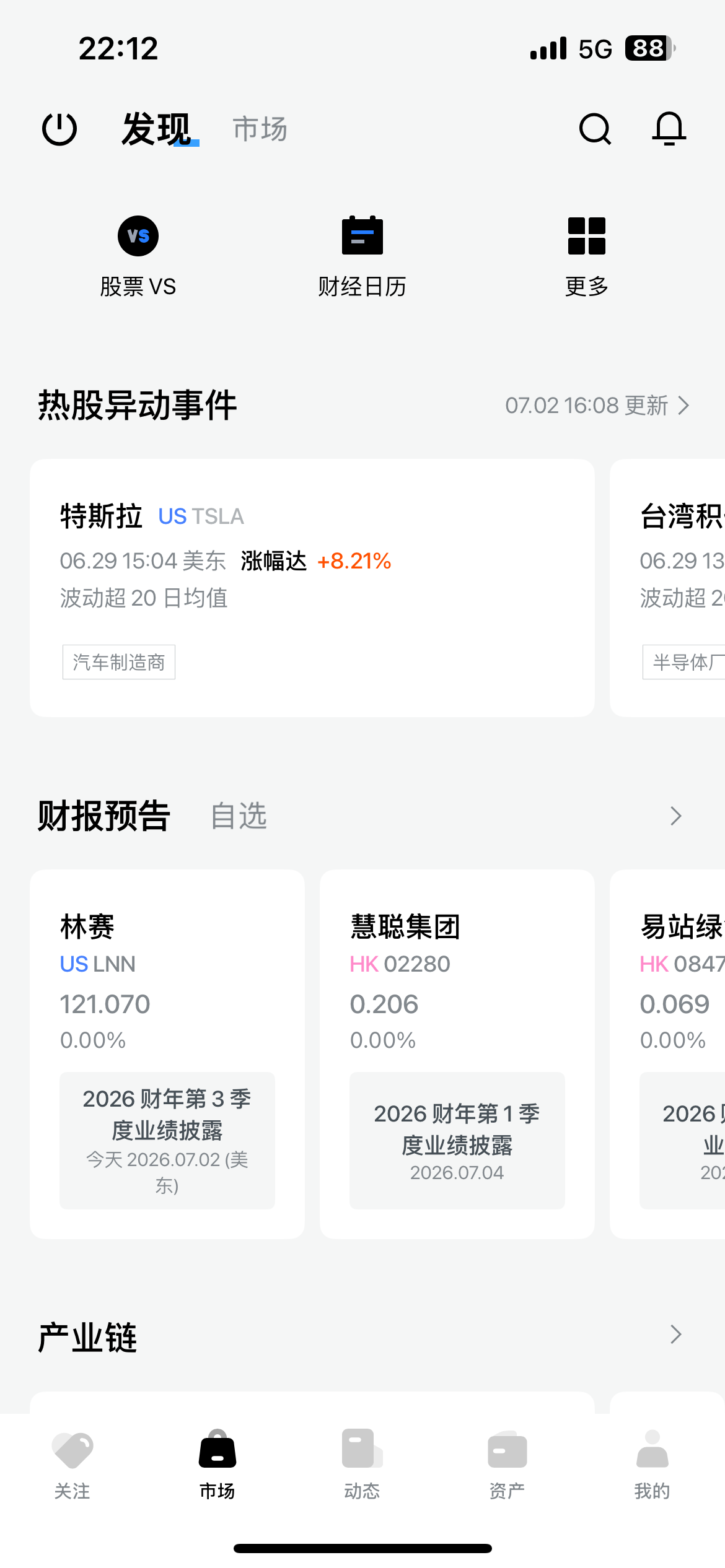
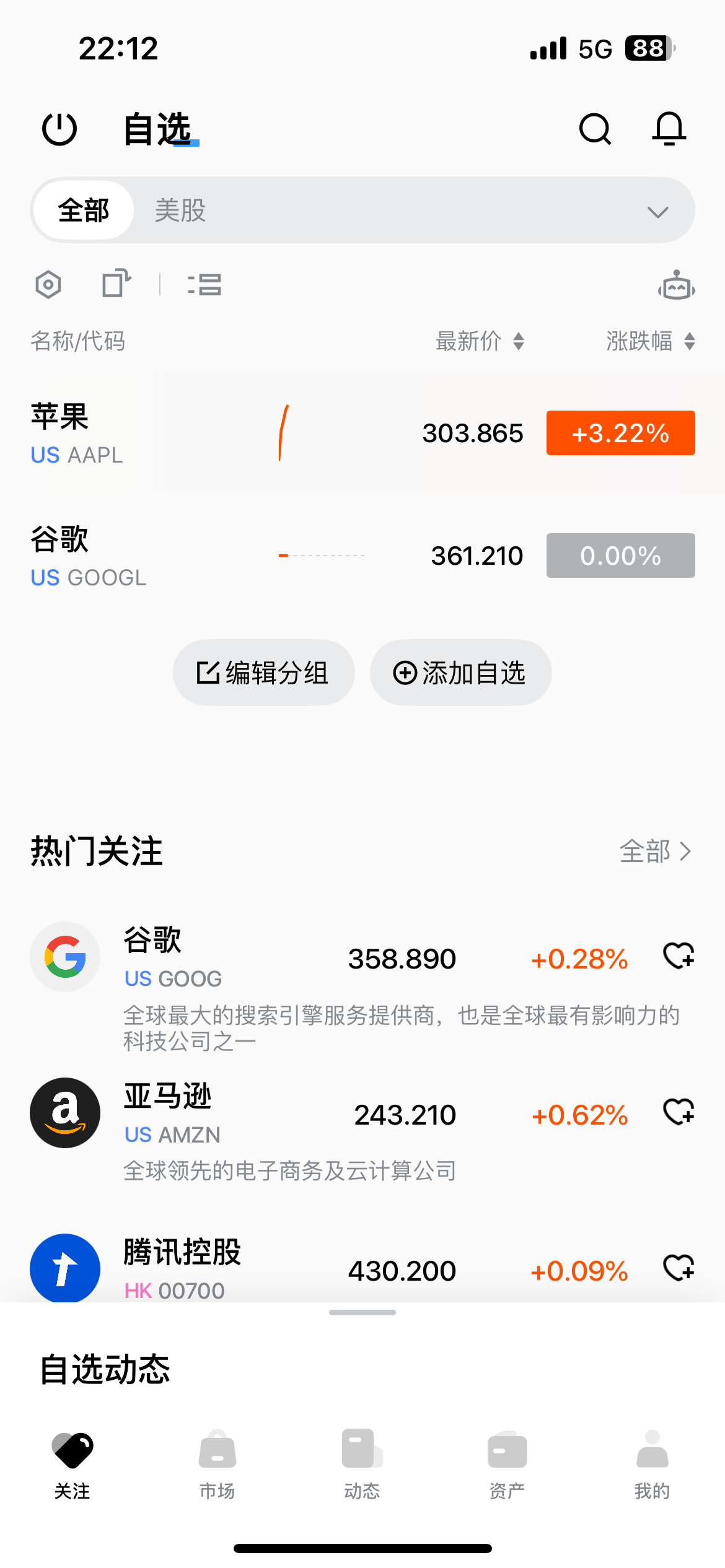
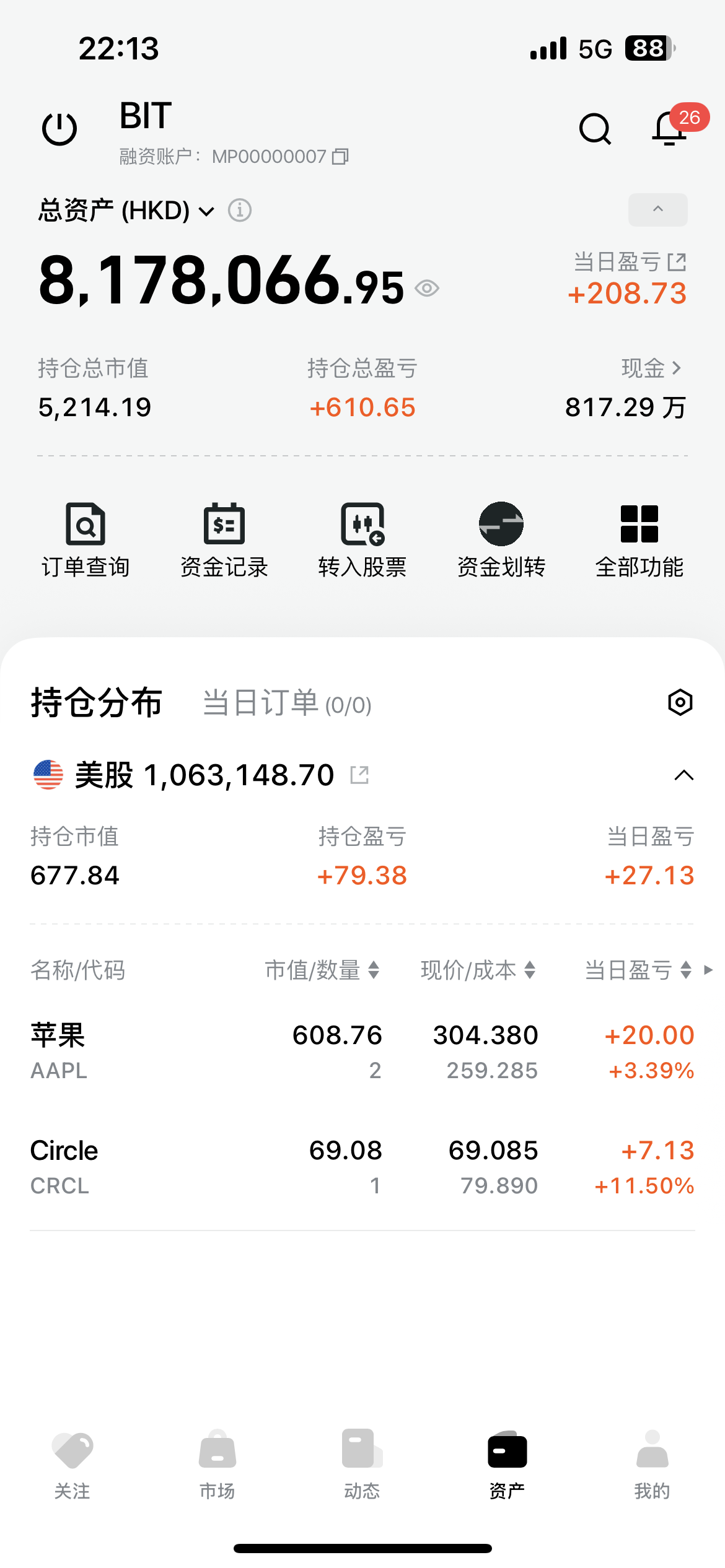
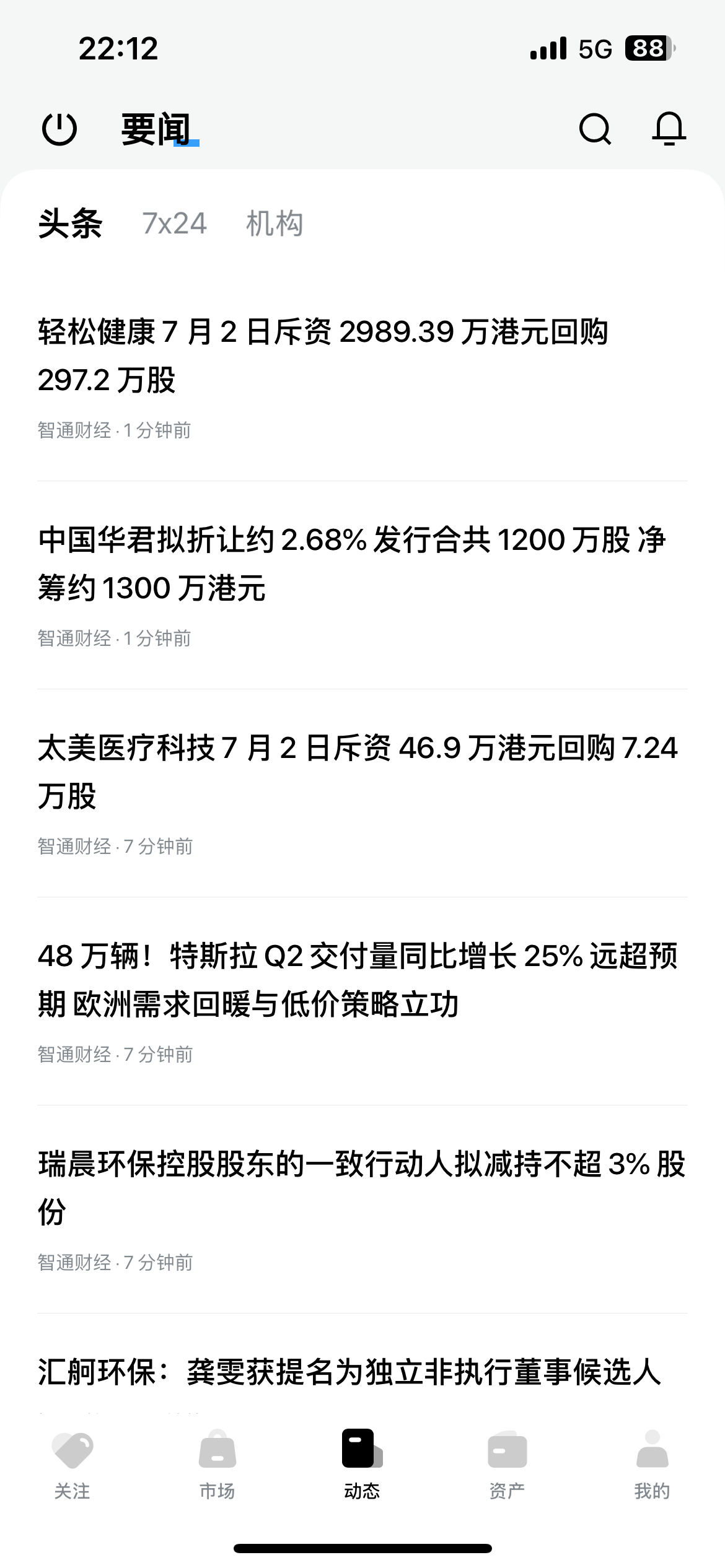
Market1 / 4
Screens are representative. Available modules and appearance depend on project configuration and SDK version.
Project-level options include icons, colors, visual skins, light/dark/system themes, English/Simplified Chinese/Traditional Chinese, rise/fall color conventions, custom fonts, and notification delivery. Some options require a project build rather than runtime configuration.
- iOS and Android: native packages embedded in Broker App.
- WebTrade: deployable on a standalone domain or embedded in a Broker’s website via
iframe, with SSO and preference sync completed through the WhaleAppSDK JavaScript library; PWA installation to the desktop is also supported.
Continue with the shared integration flow, then the iOS or Android guide.